



















Filter & Sort
Virtual Try-On Prescription Glasses
20,714
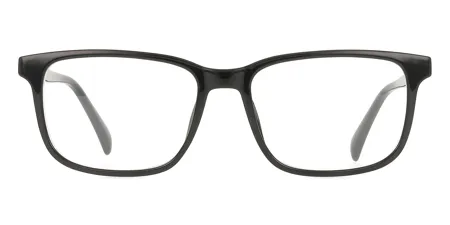
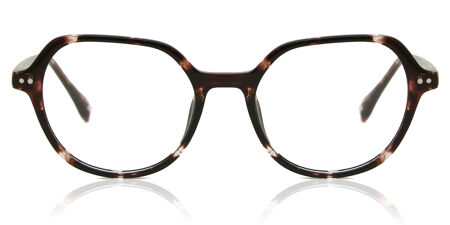


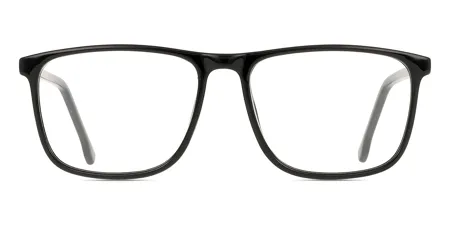


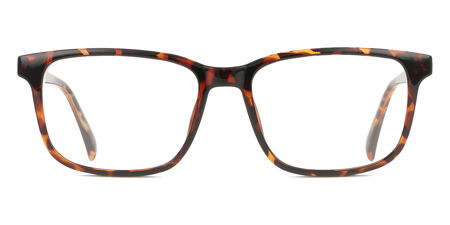
One of my favorite pairs of glasses what's not to love about these frames the fit the style the color!!! I had them put in the orange tint lenses and they're amazing i get a lot of compliments on them.

Keith Thomas





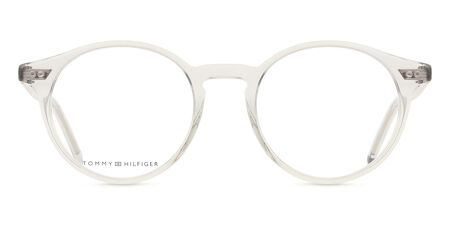
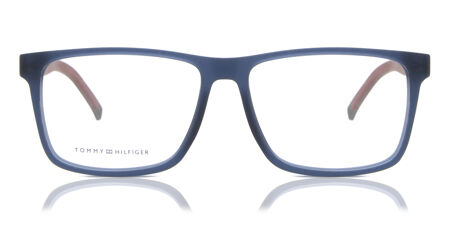

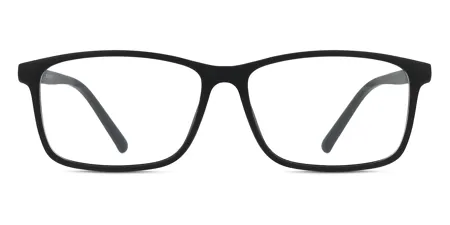


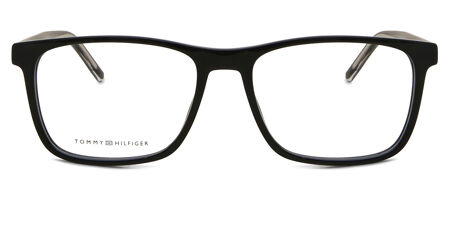

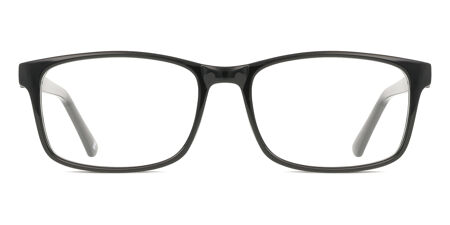
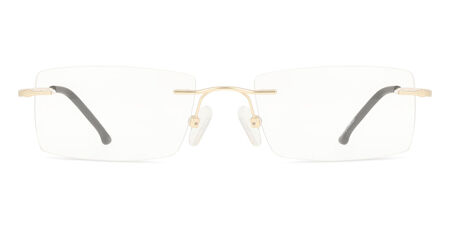
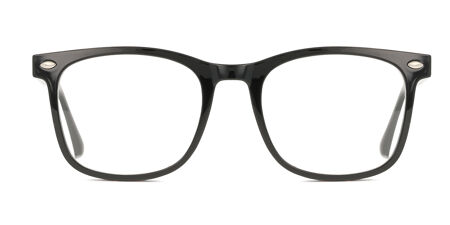
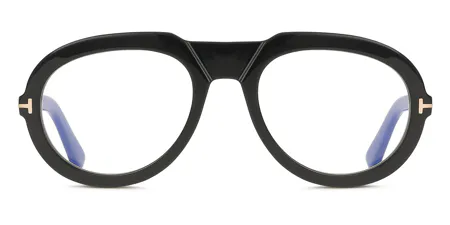









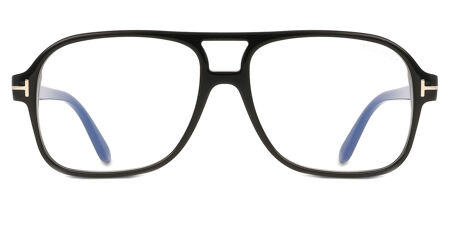

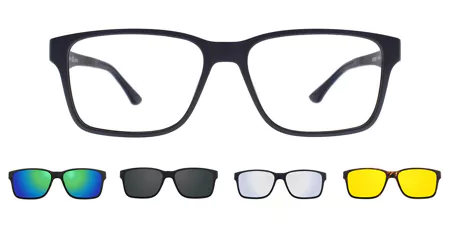
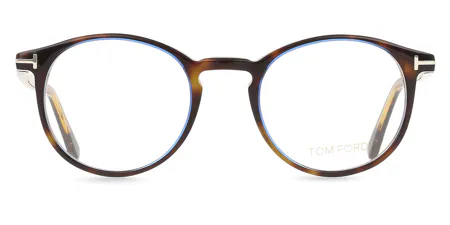
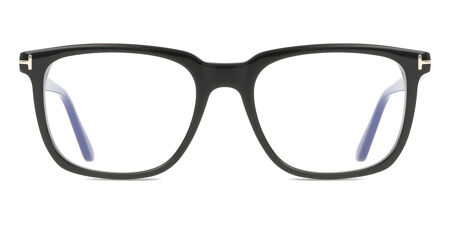
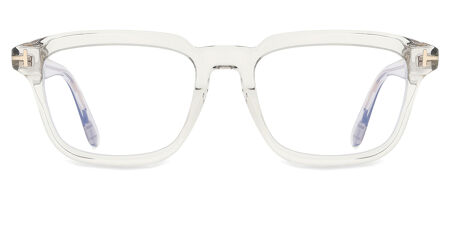

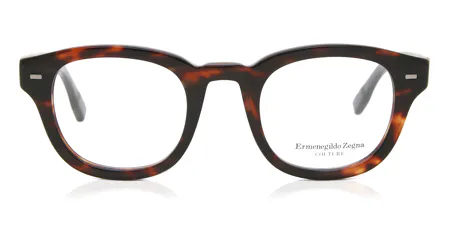


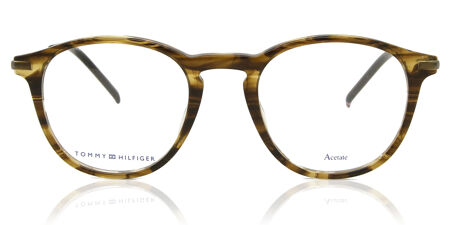


Filter & Sort
- Virtual Try-On
Virtual Try-On Prescription Glasses - Frequently Asked Questions
Virtual Try-On provides a realistic 3D preview of how glasses will fit on your face. While it gives a great representation, frame size and fit may vary slightly in real life.
The Virtual Try-On tool allows you to see how different glasses look on your face before buying. It uses your device’s camera to create a real-time, 3D preview of the frames.
Certainly! Our Virtual Try-On tool works for both prescription eyeglasses and sunglasses, allowing you to explore different styles before making a purchase.
Certainly! The tool helps you visualize how different frame styles complement your face shape, size, and features.
No, but many of our frames support Virtual Try-On. Look for the Virtual Try-On icon on the product page to check availability.
Certainly! Virtual Try-On is compatible with most smartphones, tablets, and desktop computers with a camera.
You can try multiple frames and compare styles to find the perfect fit. You can also check our Face Shape Guide for additional styling tips.
No! The Virtual Try-On tool works directly in your browser—no downloads needed. Just use a compatible device with a working camera.
Certainly! If you wear glasses, we recommend removing them before using Virtual Try-On for the most accurate preview.
Click on any glasses with the “Virtual Try-On” icon. Then, allow camera access, follow the on-screen instructions, and instantly see how they fit.
Definitely! Once you find the perfect pair, simply select “Buy With Prescription”, enter your details, and complete your purchase.
The tool helps you preview the frame style and fit, but it does not show lens types like progressive or blue light lenses.


